You're paying $8–$15 a click for that traffic. It lands on a page converting at 1–2%. Do the math: you're paying $400–$1,500 per lead when a properly built landing page would hand you that lead for $50–$100 — on the exact same ad budget. We've audited 200+ contractor websites. The same 8 mistakes appear every single time. None of them require a full redesign. Most are fixable in a week.
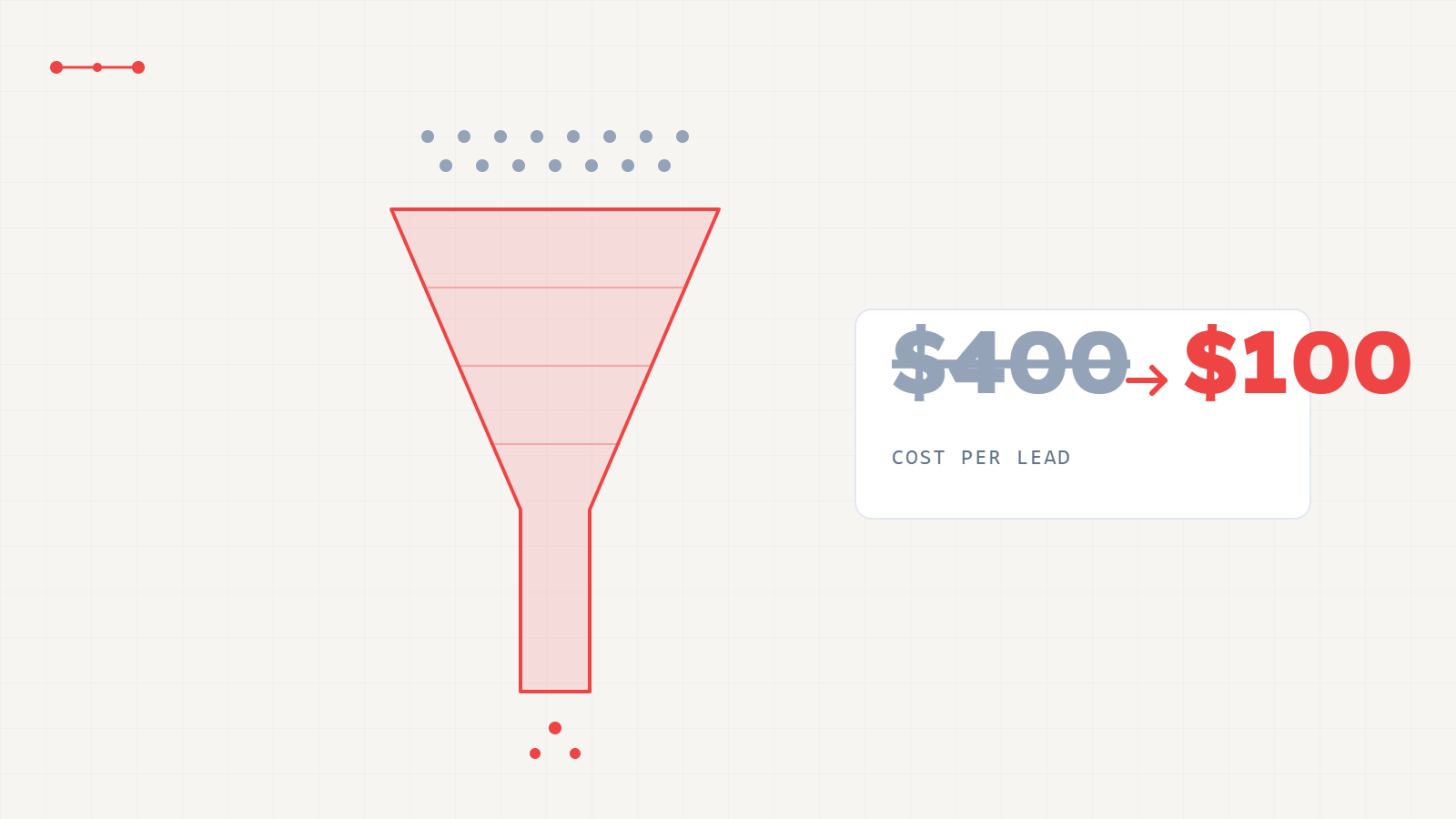
Push a low-converting page from 2% to 10% and your cost-per-lead drops from $500 to $100 — on the exact same ad spend. That's the whole argument for fixing the website before touching the budget. Home service pages convert at 5–15% when built right. Emergency trades like plumbing run 12–16%. Roofing and remodeling sit at 3–7%. Below 3% is almost never a traffic problem — it traces back to a short, fixable list of page mistakes, starting with paid traffic sent to a homepage instead of a page built to close one thing.
Conversion rate = the percentage of page visitors who take the desired action (call, form fill, booking). For dedicated landing pages receiving Google Ads traffic, the gap between bottom quartile and top quartile is enormous — and the gap is almost entirely determined by which of the 8 mistakes are present on the page.
| Trade | Bottom quartile (homepage traffic) | Median (basic landing page) | Top quartile (optimised page) | CPL at $10/click — top vs. bottom |
|---|---|---|---|---|
| Plumbing | 1–3% | 6–9% | 12–16% | $63 vs $500 — 8× cheaper |
| HVAC | 1–3% | 4–7% | 9–13% | $77 vs $500 — 6.5× cheaper |
| Roofing | 1–2% | 3–6% | 8–12% | $100 vs $667 — 6.7× cheaper |
| Solar | 1–2% | 3–5% | 7–10% | $125 vs $667 — 5.3× cheaper |
| Remodeling | 1–2% | 3–5% | 6–9% | $133 vs $667 — 5× cheaper |
Benchmarks from Web Pinnacles' 200+ contractor website audit dataset and Unbounce's Conversion Benchmark Report (home services category). CPL column assumes $10 CPC; actual CPC varies by market and keyword.
These don't appear in isolation. A site making one is almost always making three or four. Each one is a separate leak between the click you paid for and the call you needed.
The homepage serves everyone, so it closes no one. A homeowner who clicked "emergency roof repair" lands on a page with 15 nav links, a rotating banner, and an "About Us" tab. They leave. A dedicated landing page matched to the specific ad they clicked converts at 5–15%. The homepage converts that same traffic at 1–3%. This single fix typically doubles conversion inside 30 days without changing a single keyword or bid.
Over 60% of home service searches happen on a phone — and for emergency services, the visitor is reaching for the call button the moment the page loads. If your phone number isn't immediately visible as a tap-to-call link without any scrolling on a 5-inch screen, you lose the highest-intent visitor in your pipeline: the one who was already about to call.
"Call us or fill out the form or book online or chat or request a quote." Hick's Law is blunt: more choices mean a longer decision, and a longer decision means more exits. One primary CTA per page. If you need a secondary option, make it visually quieter than the primary. Every contractor page we've audited with three or more equal-weight CTAs converts below 3%.
A page that takes more than 3 seconds to load on a mobile connection loses a meaningful percentage of visitors before the headline renders. For paid ad traffic where every click has a cost, a slow page is a direct money drain — you paid for the click, then lost the visitor before they saw anything. HVAC and roofing pages with unoptimized images and plugin-heavy WordPress themes are the most common offenders.
The homeowner has seen the same stock photo of a smiling couple shaking hands with a contractor on thirty other sites this week. Your real truck, your real crew, your real before-and-after shots convert at higher rates even at lower photographic quality. In a high-trust purchase where you're entering someone's home, authenticity reads as credibility in a way no stock library image ever will.
A homeowner is about to invite a stranger into their house. License number, insurance badge, star rating with review count, years in business — these are the trust stack that turns a visitor into a caller. They need to be visible without scrolling. Buried at the bottom of the page they may as well not exist: research consistently shows the majority of visitors never scroll past the above-fold zone on a first visit to a page they're not yet confident about.
Every additional form field reduces completion rate by roughly 10–20%. Most contractor contact forms ask for name, phone, email, address, service type, preferred date, and "how did you hear about us." Cut to: name, phone, service type. That's it. Everything else gets collected during the qualification call, after the homeowner has already raised their hand — not before you've given them a reason to trust you enough to submit anything.
"Serving your region" reassures no one. A homeowner in Boerne wants to see Boerne — the city named in the headline, a service-area list, a local review from someone in their zip code with a specific outcome. "They replaced our roof in Boerne the day after the storm" converts. "Excellent service, highly recommend" does not. Homeowners are making a high-trust decision to invite someone onto their property: every element that confirms you work locally, are licensed locally, and have reviews from people nearby reduces the perceived risk of that decision.
Book a free 20-minute page audit. We'll run your site against this checklist, show you exactly which mistakes are present, and tell you what to fix first.
This is the template we build from inside our Funnels & CRM service. Every element has a specific conversion function. Together they moved one roofing client's effective CPL from $214 to $53 — not by changing the ad, but by building the page the ad should have been pointing to.
"Emergency Roof Repair in San Antonio — Free Estimate Today." Specific service + location + offer. Not "Welcome to Our Roofing Company."
Visible without scrolling on any screen size. Styled as a prominent button, not buried in the header navigation.
That's it. Nothing more. Email, address, and project details get collected on the qualification call — not before the homeowner has committed to raising their hand.
"Get Your Free Estimate Today" or "Call for Emergency Service" — one verb, one outcome, no alternatives at the same visual weight.
License number, insurance confirmation, star rating with review count (from Google), and years in business — visible above the fold or directly beside the form.
"We had storm damage in Boerne — they were on-site in 4 hours and replaced the whole roof in 2 days." Specific outcome. Specific location. Not "great company, highly recommend."
Your actual vehicles, your actual team, your actual finished work. Before/after shots for visual trades. No stock photography above the fold.
A list of cities or a visible service radius. Answers the homeowner's first silent question: "Do they actually work in my area?" before they waste time calling.
The CPL reduction from $214 to $53 cited in the Booked-Job Pipeline™ case data was driven partly by rebuilding the landing page from this anatomy — combined with CRM automation and call tracking. The page fix is necessary; so is the pipeline behind it.
Here's the argument no CRO guide makes: a high-converting landing page that sends 10–15% of visitors into a broken pipeline produces more leads rotting in an inbox — not more booked jobs.
If the CRM has no follow-up automation, if there's no appointment setter calling back inside 5 minutes, if there's no attribution tracking which leads became jobs — a higher conversion rate just means more leads entering a system that's already losing them. The monthly revenue goes nowhere. The bottleneck moves upstream from "the page isn't converting" to "the leads aren't booking." You've fixed the leak at stage 2 while stages 3, 4, and 5 are still empty.
The correct order is: get the pipeline right first, then optimize the front door. A 3% page feeding a working CRM and appointment-setting system produces more booked jobs than a 12% page feeding an inbox nobody checks until Tuesday. Once the pipeline is operational, then the landing page optimization compounds everything behind it.
The Booked-Job Pipeline™ has six stages. Your landing page is Stage 2. A contractor fixing only Stage 2 while Stages 3–6 are absent converts more traffic into leads that go nowhere. All six stages need to be operational before any single stage can compound its output into revenue.
Headline, layout-order, and CTA-copy changes. Not a rebuild. Most fixes ship in a week.
This contractor was running Google Ads to a generic homepage, with no call tracking, no dedicated landing page, and no CRM connected to the ad traffic. The CPL was $214. We rebuilt the campaign architecture: dedicated roofing landing page with the anatomy described above, call tracking on the page, GoHighLevel CRM connected to the lead source, and automated follow-up. The CPL dropped to $53 — a 75% cost reduction — while 572 qualified leads came in over the following 31 days at $11.67 CPL. The page fix was part of the system, not the whole fix.
Your specific page gaps may differ from the patterns described here. Book a free audit for a page-by-page breakdown.
The exact audit we run before taking on a new client — see where your site is leaking booked jobs.
Book a free 20-minute pipeline audit. We'll run your site against this exact checklist, show you the conversion rate you're leaving on the table, and tell you the order to fix it — before you raise the ad budget to cover the leak.